
— Paid Search
Google isn’t a billboard.
It’s the world’s biggest checkout line.
Paid search is the only channel where buyers tell you exactly what they’re trying to buy. We build campaigns that show up at that moment, earn the click, and turn it into revenue.
Get Your Free Paid Search Audit.


Why Most Paid Search Accounts Leak
Paid search is the most measurable channel in marketing. You know what people searched, what they clicked, what they paid, and what they did next. There’s no excuse for not knowing whether it’s working.
The platform isn’t the problem. The structure is.
Heard This One Before?
If it sounds like autopilot, it usually spends like autopilot.
"Just increase the budget. That'll fix it."
—
"It's all about getting more traffic."
—
"The algorithm needs a few months to fully optimize."
Real Clients,
Real Results.
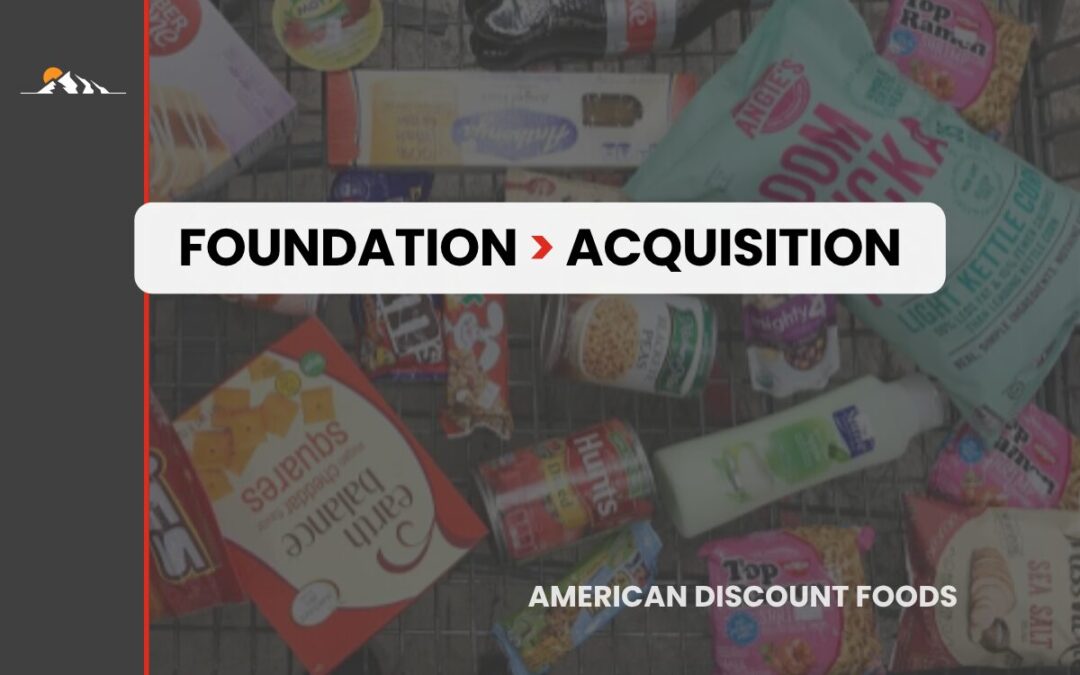
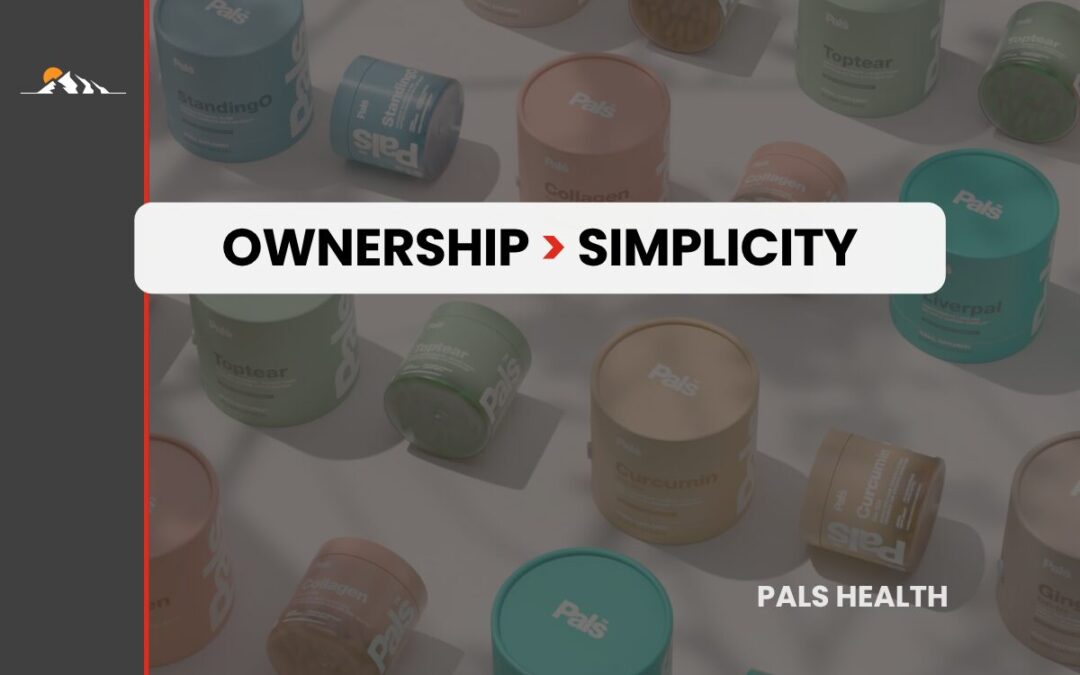
What happened. Why it worked.


How We Can Help
If paid search is the engine, these are the parts that make it run.
Ad Copy That Earns the Click
Search ads are a few short lines competing against four other ads on the same screen. Generic copy gets ignored. We write ads that match the exact intent of the query, speak to the offer the buyer is comparing, and give them a reason to click yours instead of the one above it.
Keyword Architecture
Most accounts we inherit have a few hundred keywords doing nothing and a few dozen quietly producing all the revenue. We build tight ad groups around buyer intent, ruthlessly negative-match the noise, and structure the account so every dollar can be traced back to the search that produced it.
Tracking & Conversion Setup
If you can’t tell which keyword produced which sale, you can’t optimize. We set up proper conversion tracking, GA4, offline conversion imports for sales-cycle businesses, and clean attribution across the full funnel. A lot of accounts we audit are tracking incorrectly and don’t know it.
Landing Page Strategy
A perfect campaign pointed at a weak page is wasted spend. We map every campaign to a landing page that matches the search intent, loads fast, and pushes toward one clear action. If the page can’t convert, we’ll flag it before we launch.
Reporting That Means Something
We tell you what’s producing customers, what’s wasting budget, and where we’re pushing next. Plain language. No vanity metrics. No reports that hide cost per acquisition behind impressions and click-through rates.
Bid & Budget Management
We manage bids around what a conversion is actually worth, not what Google’s automated bidder defaults to. We watch impression share, search lost budget, and average position daily, and shift spend toward what’s producing.

mt

dc

vant

vant

ev

whs

sf

adf
Their Words,
Not Ours
We’ve had the chance to work with some truly great teams. Here’s what they’ve shared about working with us.

“Nick and Tailored Edge did a great job helping us launch our new bike lines. They didn’t just bring us traffic — they helped us actually sell bikes, and not cheap ones either. Nick understood what we needed, made smart tweaks along the way, and got us real results.”


“It’s so hard to find a good digital ads guru. Everyone says they’re great at it, and very few that I’ve hired end up doing much. Nick is different. From day one, he took charge, optimized what we were doing, and sales started coming in. He also provided valuable feedback on changes we should make to our creatives for better conversion.”


“Nick and the team at Tailored Edge helped us with everything — redesigning our website, getting our Facebook and LinkedIn ads up and running, managing all the content, keeping the promotions moving. I really appreciated how hard they worked and how easy they made it for us to understand what needed to happen. We got where we needed to go because of their help.”

“I can’t imagine my business without Tailored Edge Marketing, and I still wonder what I was doing all those years before they became part of my team! They took us to the next level after being stuck at a standstill for several years. With all their hard work, input, and feedback, I finally feel like my business is reliable and stable again. We now have targeted leads coming into our business every day, getting to know what we offer, and converting into paying clients. Thank you, Nick!”


“The automations and systems Nick set up for my business have been a total game-changer. My customer acquisition and retention have grown like crazy since I started working with him and his team. It’s saved me so much time, and the headache of trying to do everything manually. Now I get to stay focused on what I’m good at, and Tailored Edge keeps everything running smooth behind the scenes.”

Ask These Questions
-No Matter Who You Hire
These are the questions we’d ask if we were hiring a paid search agency. A strong engagement starts with straight answers.
What kind of budget do I need to get results?
Depends on your industry, competition, and what a customer is worth to you. The minimum that matters is enough to generate consistent conversion data: at least 30 to 50 conversions per month so the platform has something to optimize against. If your customer acquisition cost is $200 and you’re spending $500 a month, you’re not running paid search, you’re sampling it. We’ll size budget to your margins and tell you up front if the math doesn’t work.
How long until we see results on Google Ads?
Some wins are immediate: cutting wasted spend, fixing broken tracking, killing keywords that don’t convert. Those show up in week one. Structural gains (better cost per acquisition, scaling without efficiency dropping) usually land in the 60 to 90 day window. You’ll see what’s happening the whole way, not just at the end.
Which platforms do you run paid search on?
Google is the priority for almost every account. Bing is worth running for B2B and older demographics, often at lower cost per click. We also run Shopping, YouTube, and Display when they fit the offer. We don’t run platforms because they’re available. We run them because they produce.
How do I know if clicks are turning into actual customers?
Conversion tracking, end to end. We track form submissions, calls, purchases, and (for businesses with longer sales cycles) the actual closed-won revenue tied back to the keyword that produced it. Reports show cost per lead and cost per customer, not just cost per click. If you can’t see that level of detail today, that’s the first thing we fix.
Can paid search work for a small business, or is it only for the big spenders?
Paid search works at almost any budget if the structure is right. Small businesses often have an advantage because they can target tightly and avoid the wasted spend big advertisers tolerate. The trap is trying to cover too many keywords with too little budget. Pick a narrow set of high-intent searches, win those, then expand.
What makes your paid search management different from other agencies?
We work the account weekly, not monthly. We build around your margins, not Google’s recommendations. And we tell you the truth about what’s working, including when something isn’t and we’re changing it. Most agencies are optimizing toward Google’s metrics. We optimize toward your P&L.
Will you handle landing pages and tracking setup, or is that on me?
Both. We’ll either build and test landing pages ourselves or work with your team to make sure they’re aligned with the campaigns. Tracking setup we handle in every engagement: conversion tracking, GA4, offline conversion imports, attribution. If we can’t measure it, we won’t promise to manage it.
How do you prevent wasted spend on irrelevant clicks?
Aggressive negative keyword management, tight match types, daily search term review in the early weeks, and ad copy that filters out wrong-fit clicks before they happen. The goal isn’t to maximize clicks. It’s to maximize the right clicks. We’d rather have 100 clicks from buyers than 1,000 clicks from people who were never going to convert.
Our Process
Strategy Call
We start with a focused conversation about your goals, your margins, your sales cycle, and where paid search should fit. No pitches. Just a real discussion about what's working, what's not, and what it would take to fix.
Audit & Plan
We dig into your account history, search term reports, conversion data, and competitor activity. We identify where the budget is leaking and where the real opportunity is, then build a plan sized to your business.
Build & Setup
We rebuild the keyword architecture, write the ad copy, configure the bidding, set up conversion tracking, and align landing pages with campaigns. We handle the technical setup so nothing slips through the cracks between plan and launch.
Launch & Test
Campaigns go live, and every dollar spent starts generating data. We watch search term reports, conversion paths, and cost per acquisition daily. What's producing gets more budget. What isn't gets cut.
Optimize & Expand
The engine's running. Now we fine-tune for growth. New keyword themes, new ad variations, new landing page tests, and expansion into Shopping, YouTube, or Display when the math justifies it. Your cost per acquisition should drop or your scale should climb. If neither is happening, we'll tell you before you ask.
Available Channels
Like a chain of horses pulling the same wagon, each channel works together to create a unified strategy to drive ROI for your business.
Paid Search
Stay at the top of the search results for Google, Bing, Yahoo, and more.
Sponsored Shopping
Showcase the right products to the right audience on the most effective platforms.
YouTube Advertising
Utilize the millions of viewers and videos on YouTube to strategically place your brand in front of relevant audiences.
Display Ads
Increase your brand awareness by meeting your audience in the places they visit online.
Remarketing Strategy
Turn interested prospects into paying customers by staying front of mind and driving action.
Programmatic Advertising
Leverage automation and marketing software to create a seamless and scaleable journey for your customers.


Your Next Customer is Waiting.
—Let’s Go Get Them.


